Journal Setup
After setting up the module, any text or image journal can be set up to publish to the web, on page at a time. Use the gear icon in the header of your journal:

This will open up the configuration for the journal, where you can set the Default Author, Image, and Tags for the journal, or leave them blank.
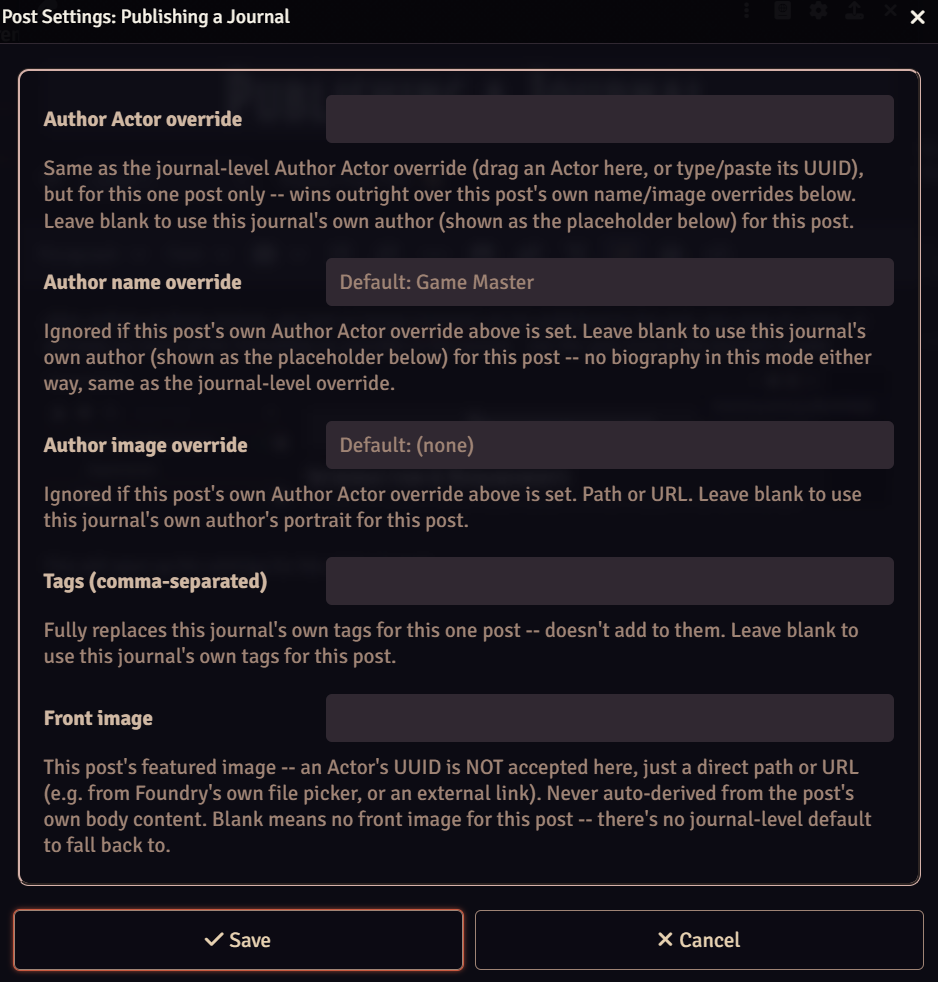
If an Actor is selected, the name and image will be taken from the Foundry Actor. The biography section may be taken along as description, if the system is supported.